
Projects and designs
Create projects, manage tool instances, rename designs inline, and identify tool types with colour-coded badges.
Overview
A project is the container for all work on one real-world engineering job. Inside each project you add tool instances — one per structural element or design task. Each tool instance holds its own design options, which let you explore alternatives and compare results side by side.
See Getting started with Integraph for the initial setup flow (account → project → tool instance).
Design grid
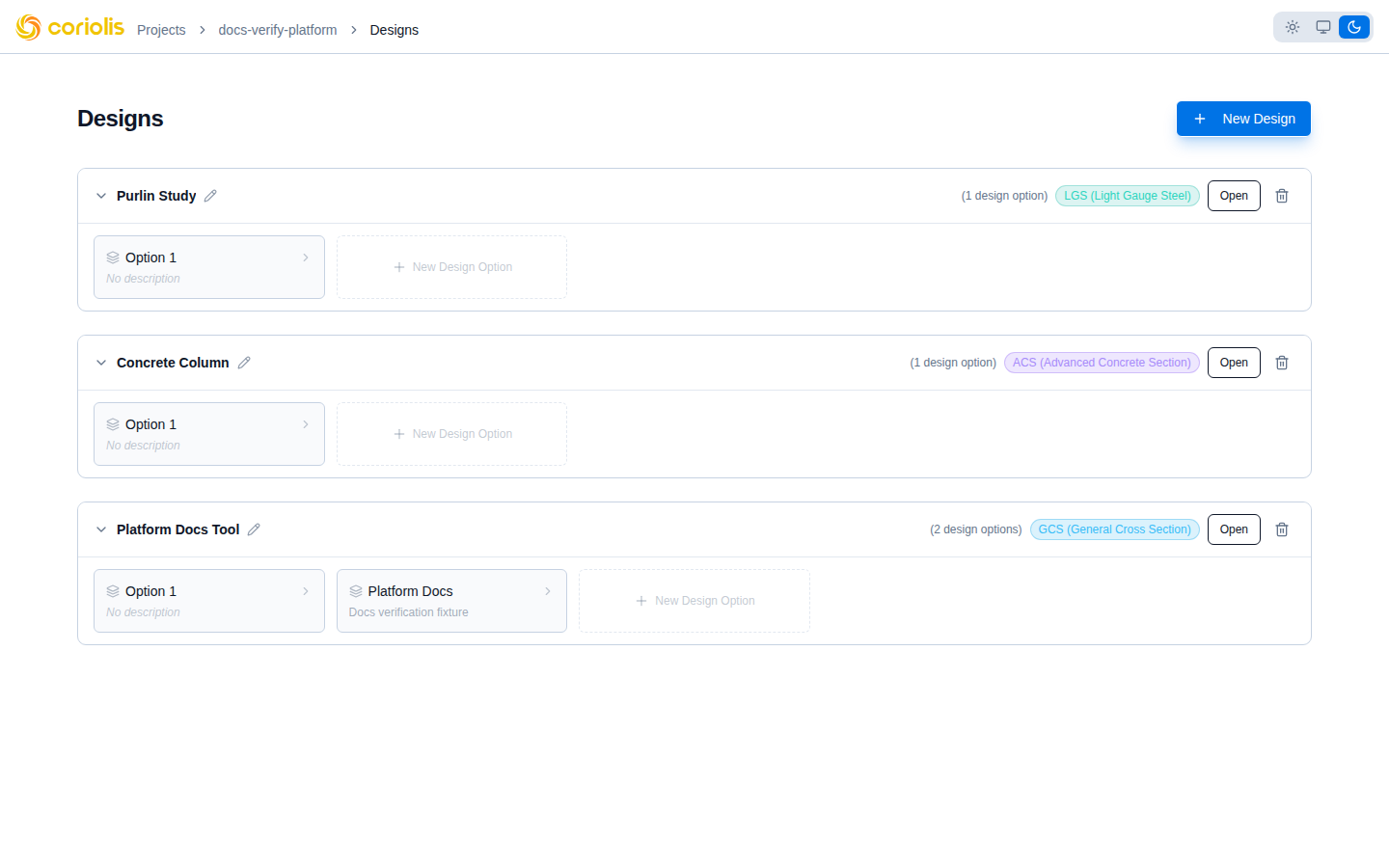
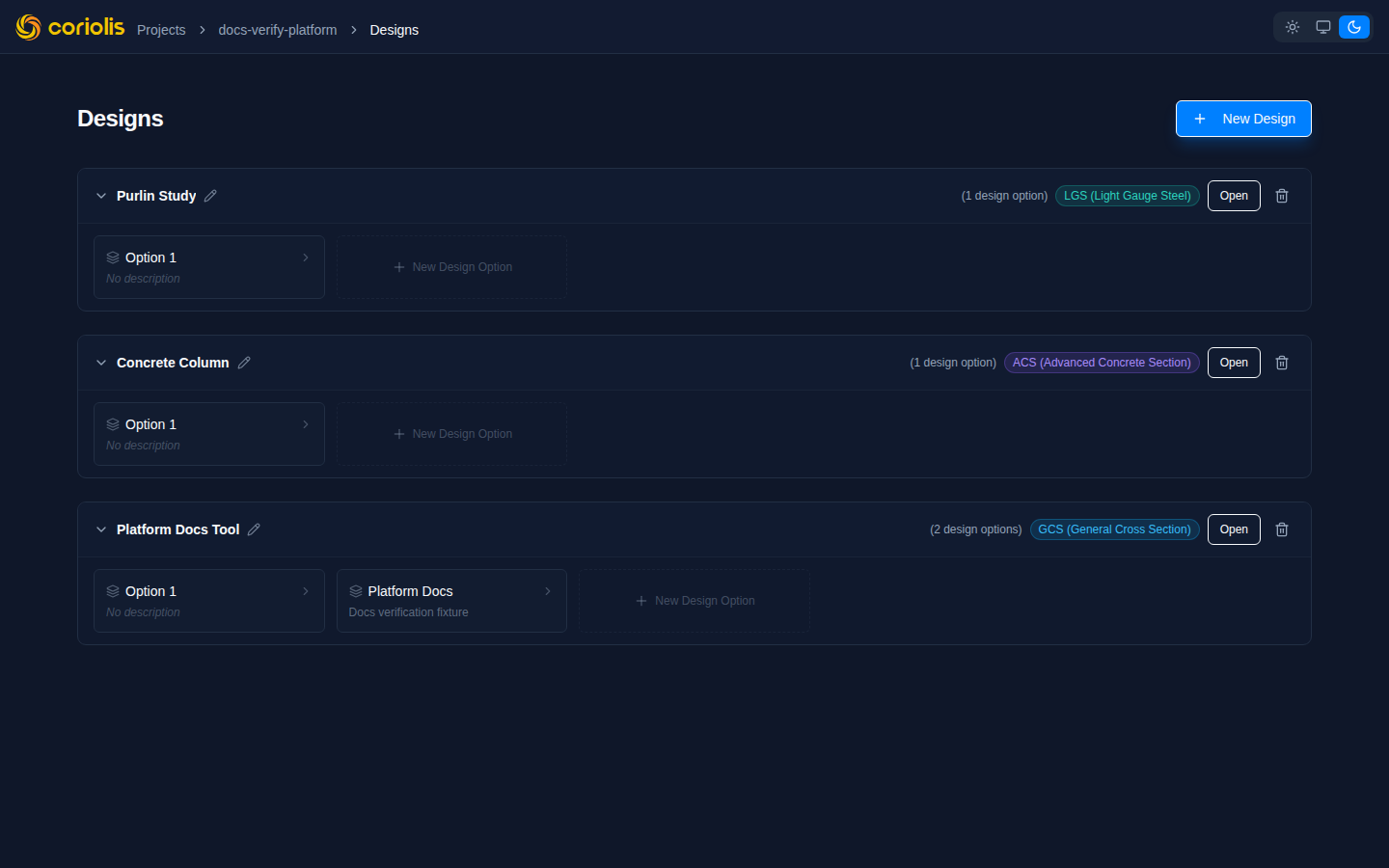
When you open a project, the design grid shows every tool instance added to that project. Each card displays the design name and a colour-coded tool badge identifying which tool the instance uses:
| Tool | Badge colour |
|---|---|
| GCS — Section Analyzer | Blue |
| ACS — Concrete Designer | Green |
| LGS — Light Gauge Steel | Orange |
The badge colour makes it easy to scan a mixed project and identify tool types at a glance, particularly when a project contains many designs across multiple tools.
Inline rename
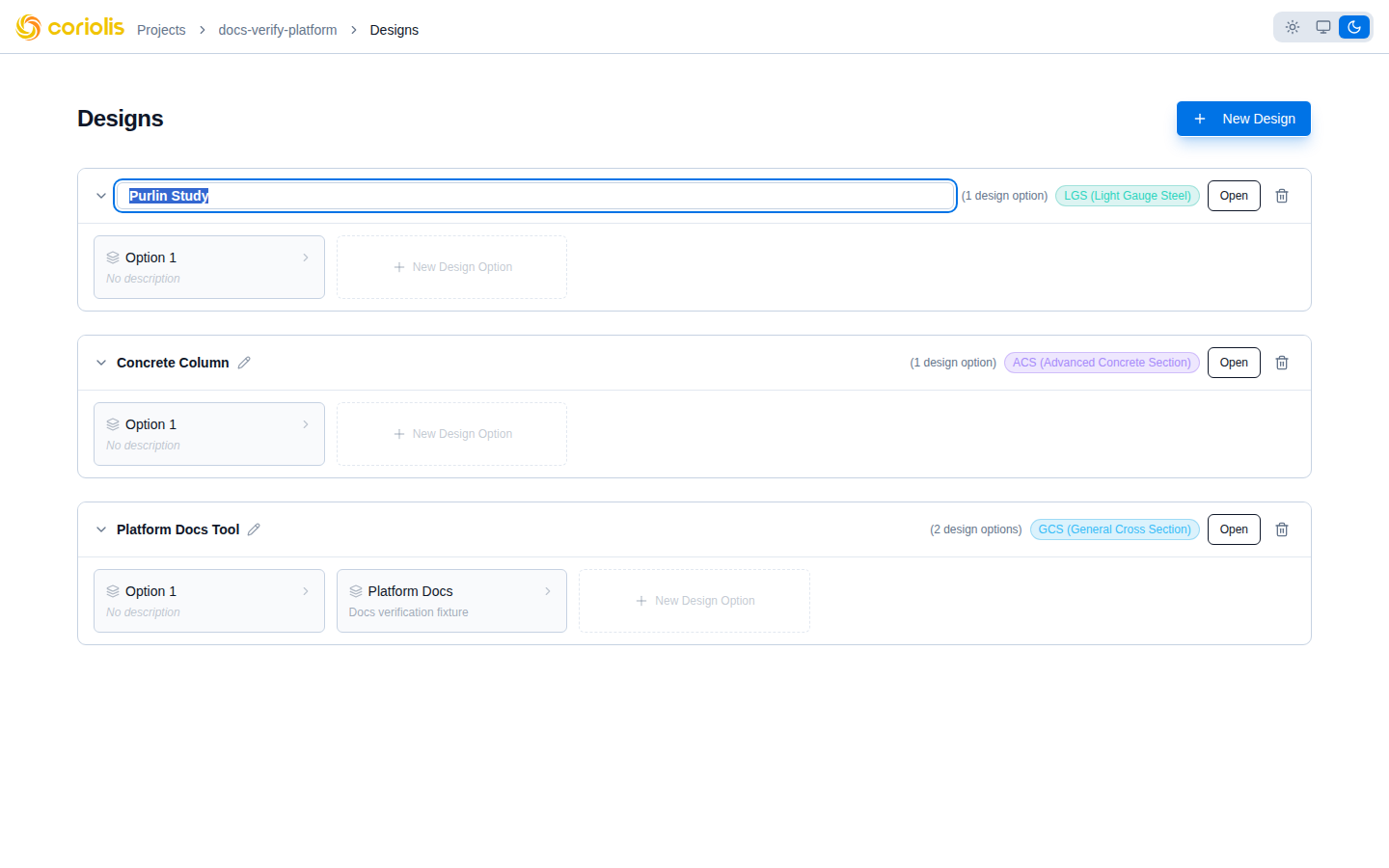
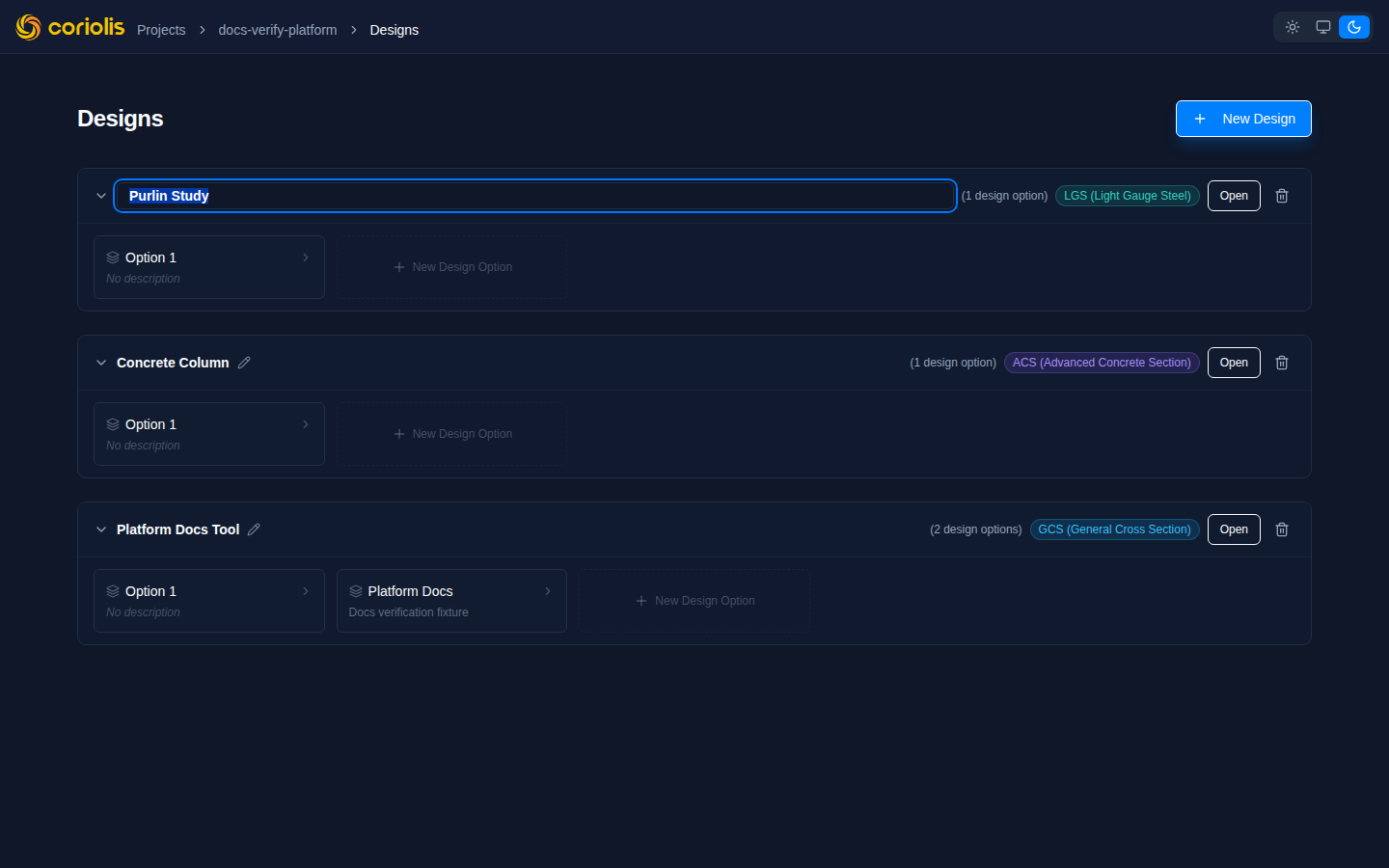
To rename a design, click its name directly in the design grid. The name switches to an editable field inline — no separate dialog opens.
- Click the design name in the grid
- Edit the text in place
- Press Enter to confirm, or Escape to cancel without saving
The updated name saves immediately. The rest of the grid remains interactive while you edit.
Design options
Within a tool instance, design options let you branch the design and compare alternatives. Each option shares the same section geometry and material definitions from the parent instance, but you can adjust reinforcement, cover, design code, or loading independently per option.
See the tool-specific getting-started guides for details:
- Getting started with ACS — concrete section design options
- Getting started with LGS (coming soon) — light gauge steel design options